
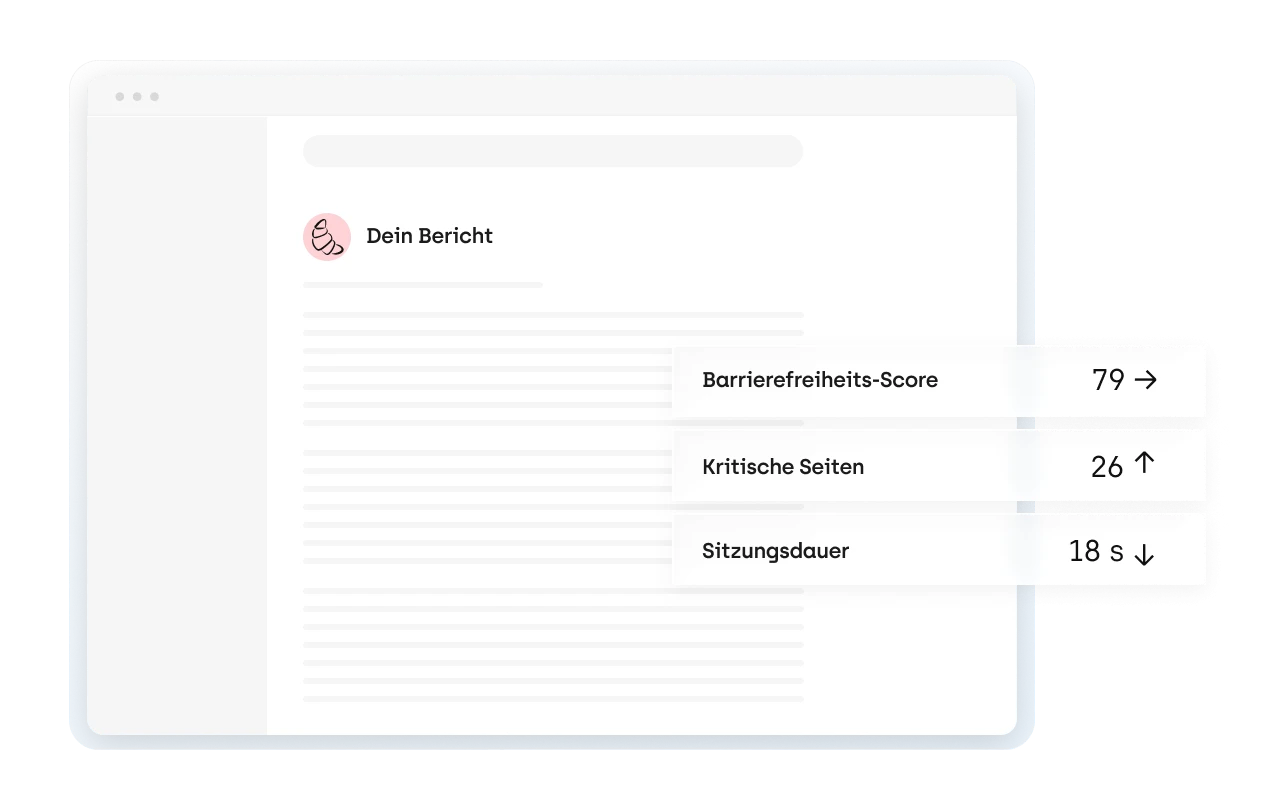
1. Run a check
Enter a URL or upload a PDF. More than 80 automated checks show where the page fails WCAG. It is a starting point, not proof of compliance.
Check for freeCheck your website or a PDF for free. sitebrunch then walks you through the audit, the fixes and ongoing monitoring, all based on WCAG.








Automated tests catch only some accessibility issues. Real compliance also takes manual testing, fixes and ongoing checks. sitebrunch guides you through all four steps.
Enter a URL or upload a PDF. More than 80 automated checks show where the page fails WCAG. It is a starting point, not proof of compliance.
Check for free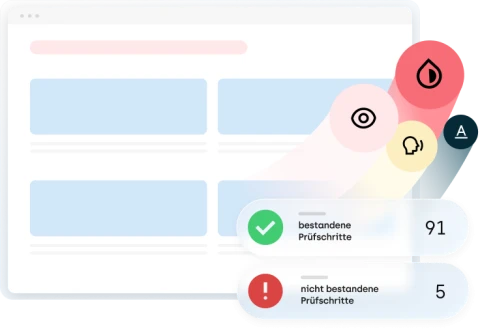
The guided audit walks you through all 96 test steps for WCAG 2.2. At the end, you get an audit report you can share with a link.
Explore the audit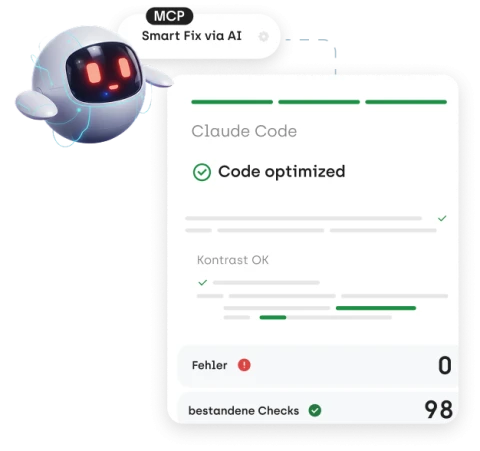
Findings become tasks for your ticketing system. With the MCP server, your AI assistant can fix technical findings directly in the code.
Connect your AI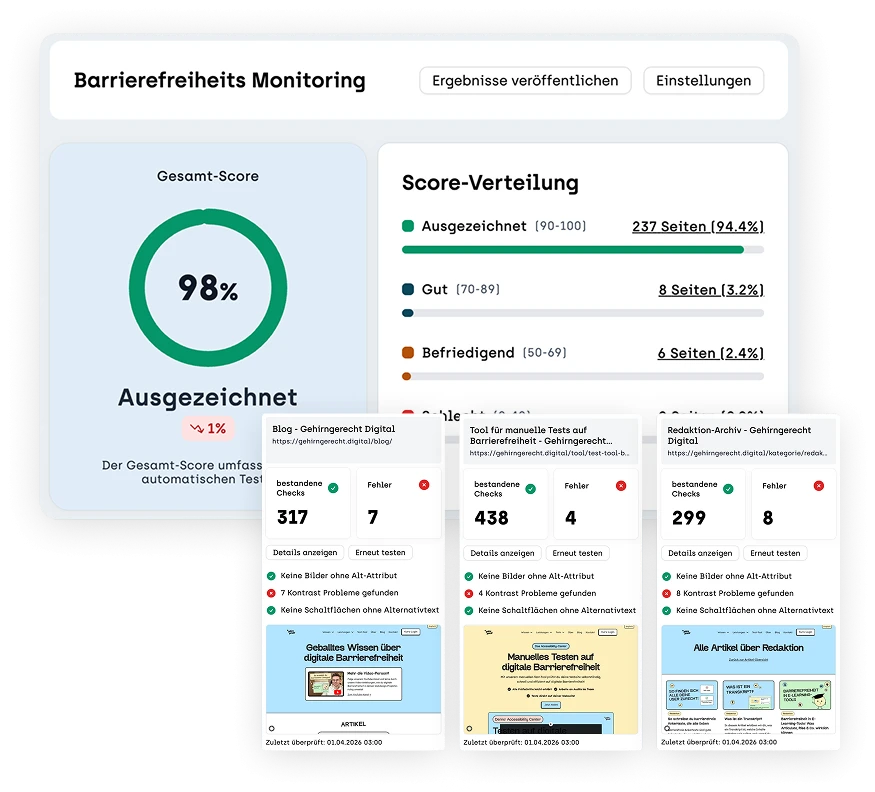
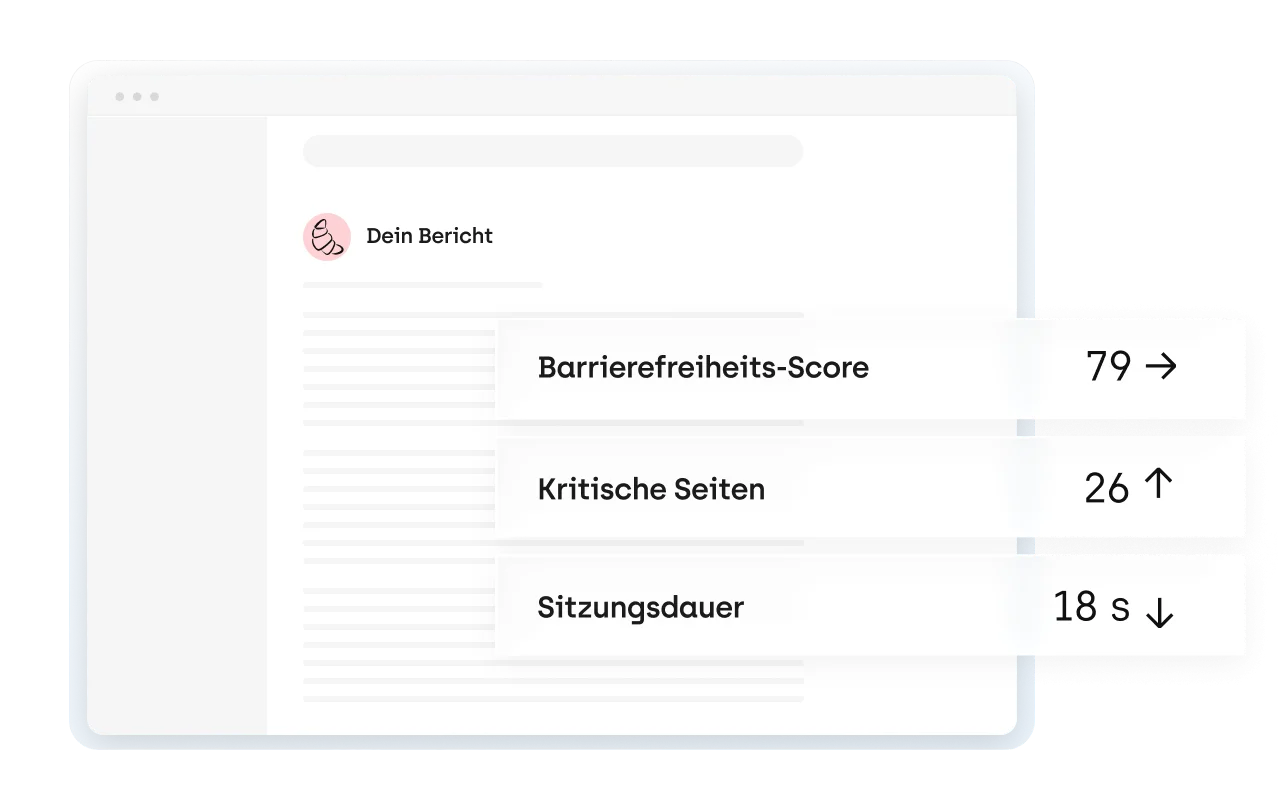
Monitoring checks your pages automatically and flags new issues. After major changes, start a re-audit.
Explore monitoringEither way, you get the same audit report on the platform.
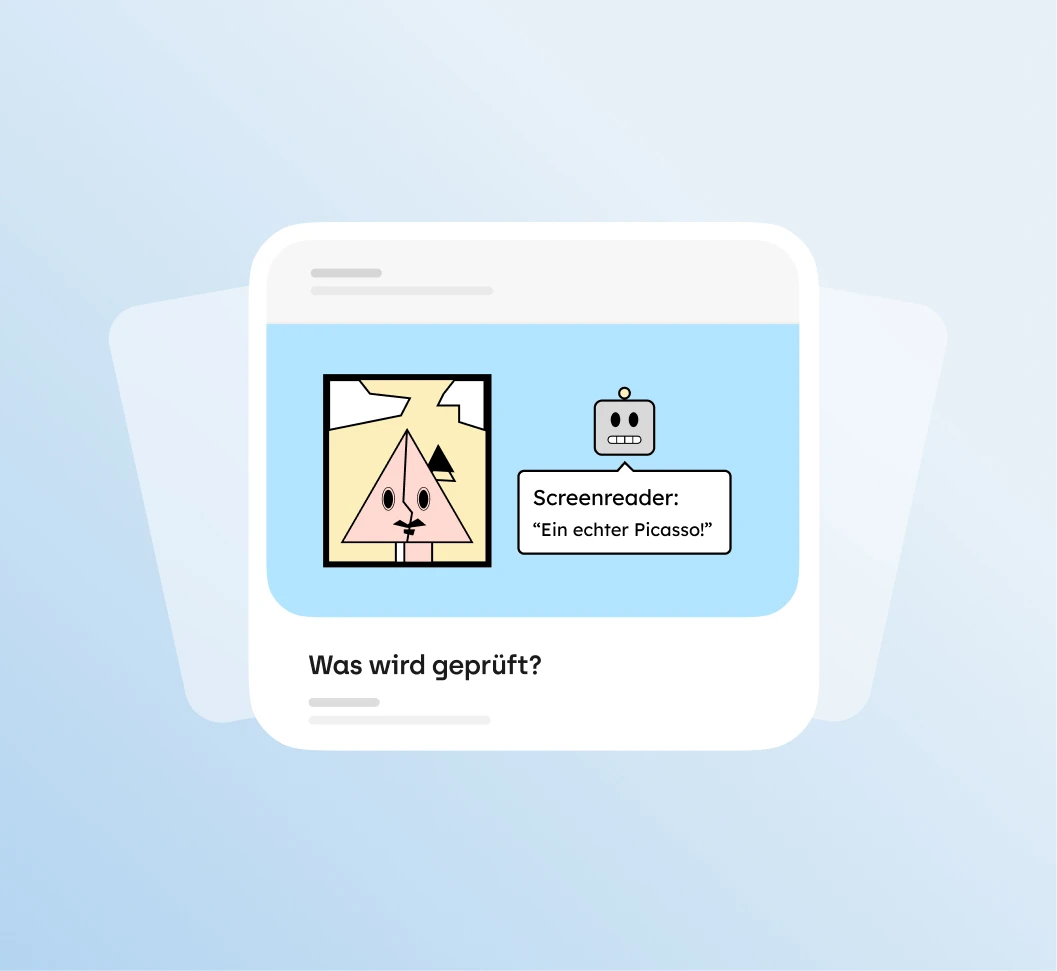
Every test step comes with a video, examples, common problems and ways to fix them, so you can get started without any prior knowledge. Signing up is free, and the audit is included in the Solo plan and above.
Sign up for free (opens in a new tab)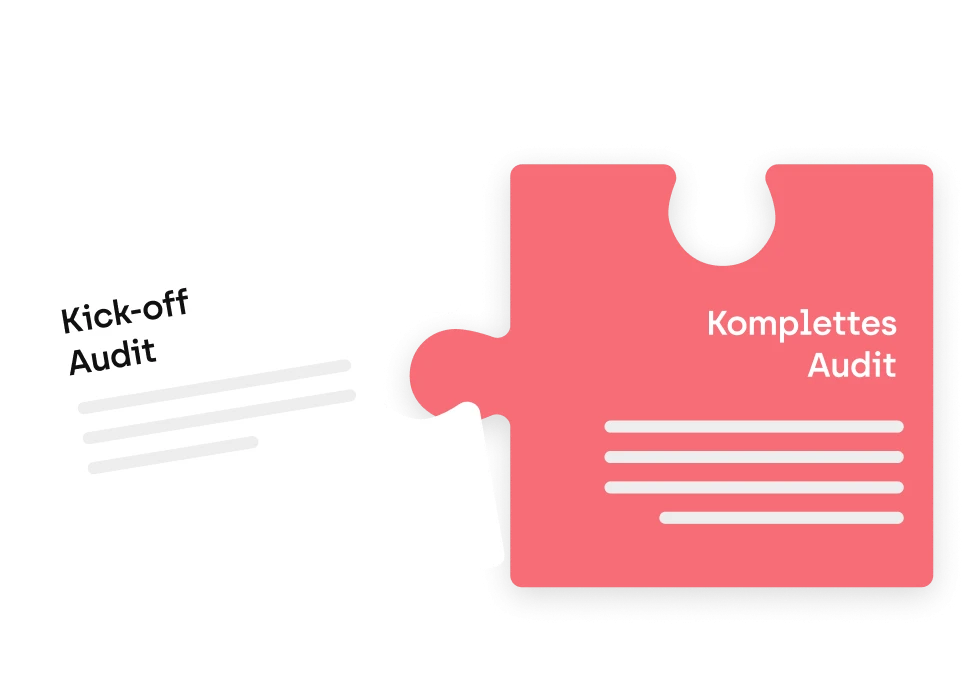
Our testers check your website manually against WCAG. You get the audit report, a draft accessibility statement and a prioritized action plan, usually about 4 weeks after kickoff. Agencies can also offer the audit as a white-label service.
View the audit packageSigning up is free. You get the full report for your check and can try sitebrunch at your own pace.
The obligations differ, but the benchmark is the same: WCAG.
Federal bodies fall under BITV 2.0, while federal states and municipalities fall under their state laws. You test against WCAG, and the audit report is the basis for your accessibility statement.
Learn about the BITV testWith the Agency plan, your whole team can work on your clients' websites. It includes unlimited users, two audits running at the same time and audit reports with your logo that you share with a link. Your clients do not need an account.
View pricingSince 28 June 2025, the German Accessibility Strengthening Act (BFSG) has applied to many providers of digital products and services. The Enterprise plan includes unlimited concurrent audits, personal support and personalized training.
Book a consultationTo stay compliant, you also need to keep an eye on your PDFs and a team that knows how to avoid new issues in the first place.
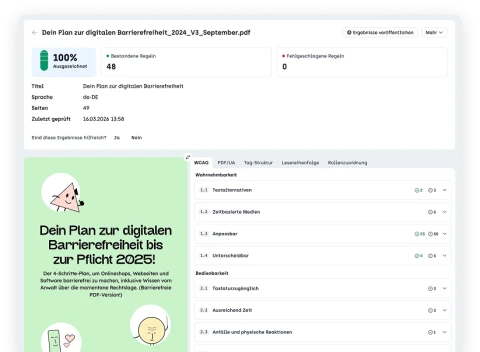
Upload individual PDFs or let sitebrunch find the PDFs on your website. sitebrunch checks them automatically against PDF/UA and WCAG.
Explore PDF checks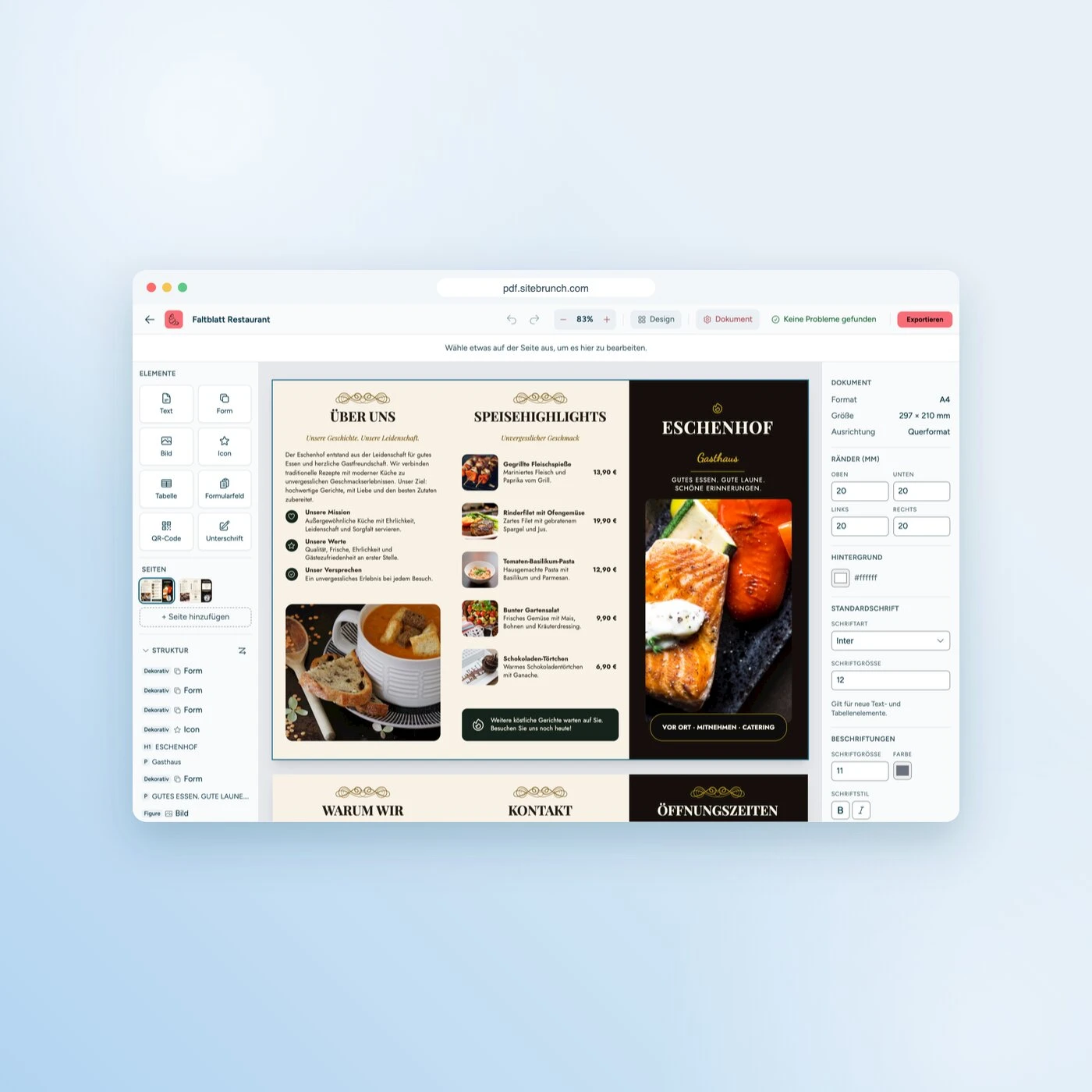
With the free PDF editor, you can design PDFs that are accessible from the start or convert Word files into tagged PDFs. It runs in your browser, no sign-up needed.
Open the PDF editor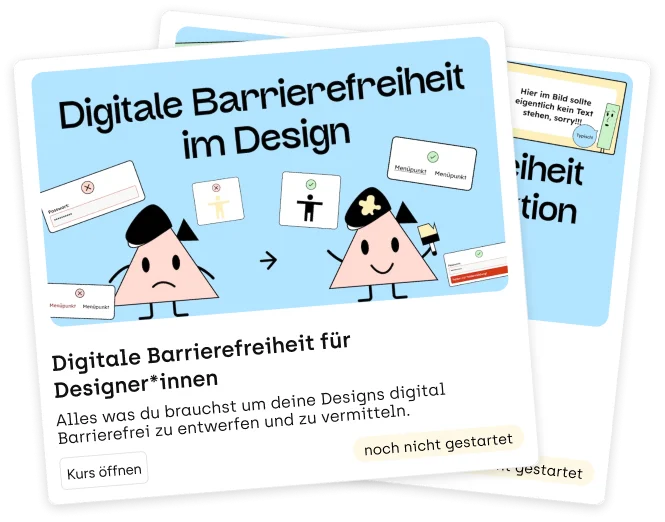
E-learning courses by Gehirngerecht Digital teach your team accessibility in design, development and content. One course is included in the free plan.
Browse the courses
Fast support matters a lot to us, and so does a tool that is easy to use. sitebrunch's Accessibility Center has become a core part of our processes, and we would not want to be without it. Highly recommended!

Monitoring with sitebrunch won us over completely: we spot new barriers right away, and the heatmap helps us improve the user flow where it matters. The data is clear and easy to read, and it all works without data-hungry cookies. We are fans!
Start for free with the automated check. If you would rather hand it over, our team will run the audit for you.
Start for free (opens in a new tab)